

Category
Proxies
Posts in Proxies, newest first.
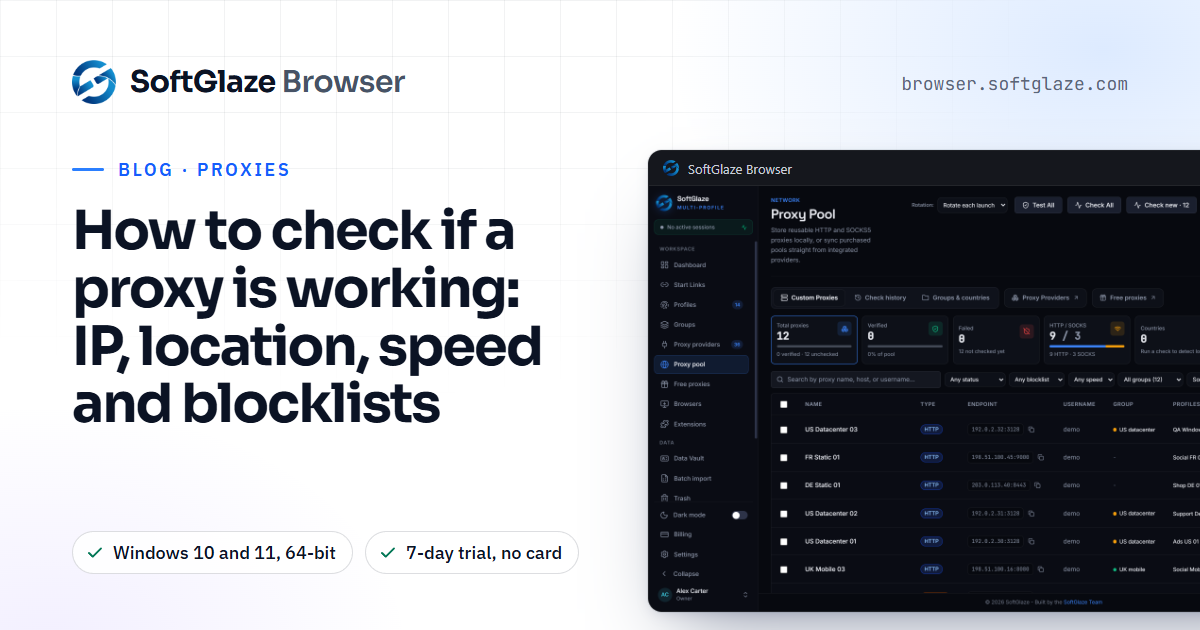
How to check if a proxy is working: IP, location, speed and blocklists
A proxy that connects isn't necessarily a proxy that works. Check four things: that it connects with a different exit IP, that the IP is where you expect, that it is fast enough, and that the address isn't on a blocklist. Then check it inside the browser. Here is how, by hand and in SoftGlaze.
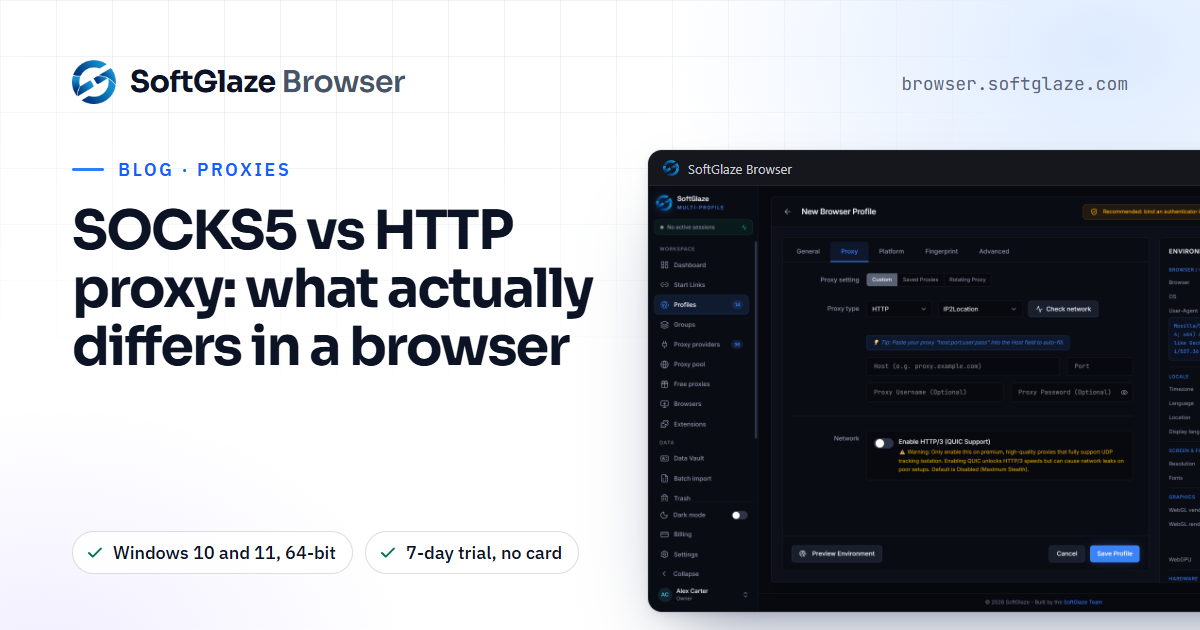
SOCKS5 vs HTTP proxy: what actually differs in a browser
For browsing, SOCKS5 and HTTP proxies both carry your pages, and neither encrypts anything by itself. The real differences are where DNS lookups happen, how the proxy sees your traffic, and what Chrome supports. Here is a plain comparison and which one to choose.
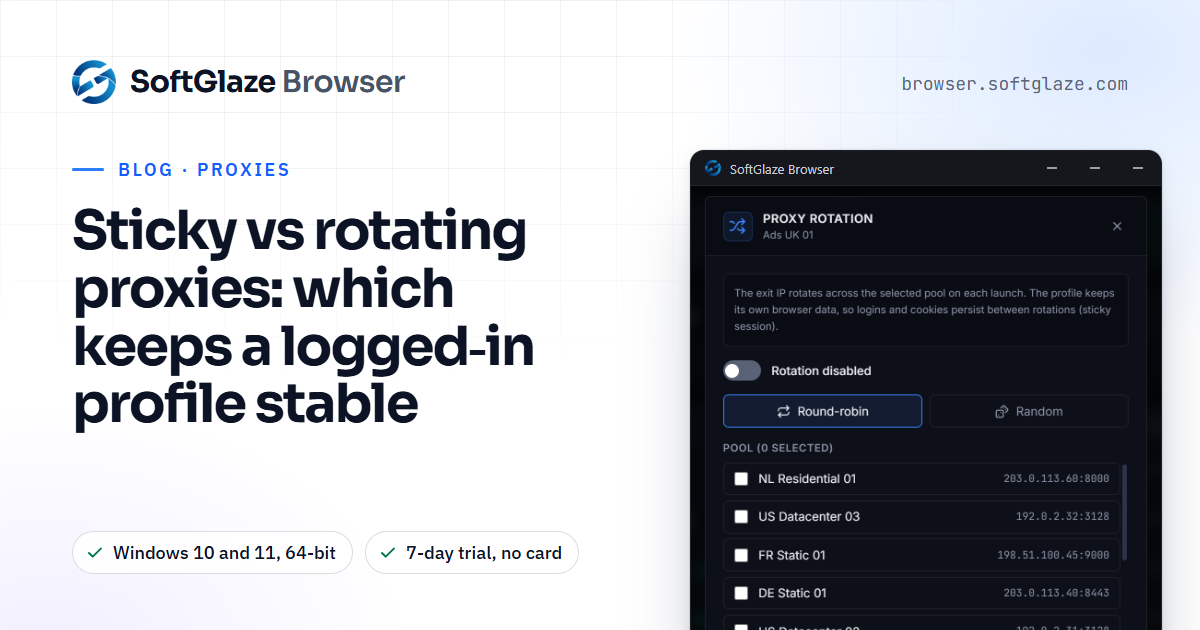
Sticky vs rotating proxies: which keeps a logged-in profile stable
A sticky proxy keeps the same IP address for a while; a rotating proxy hands you a new one per request, per interval or per launch. For a profile that stays signed in, stable usually wins. Here is how each works, where rotation helps, and how SoftGlaze's four rotation policies behave.
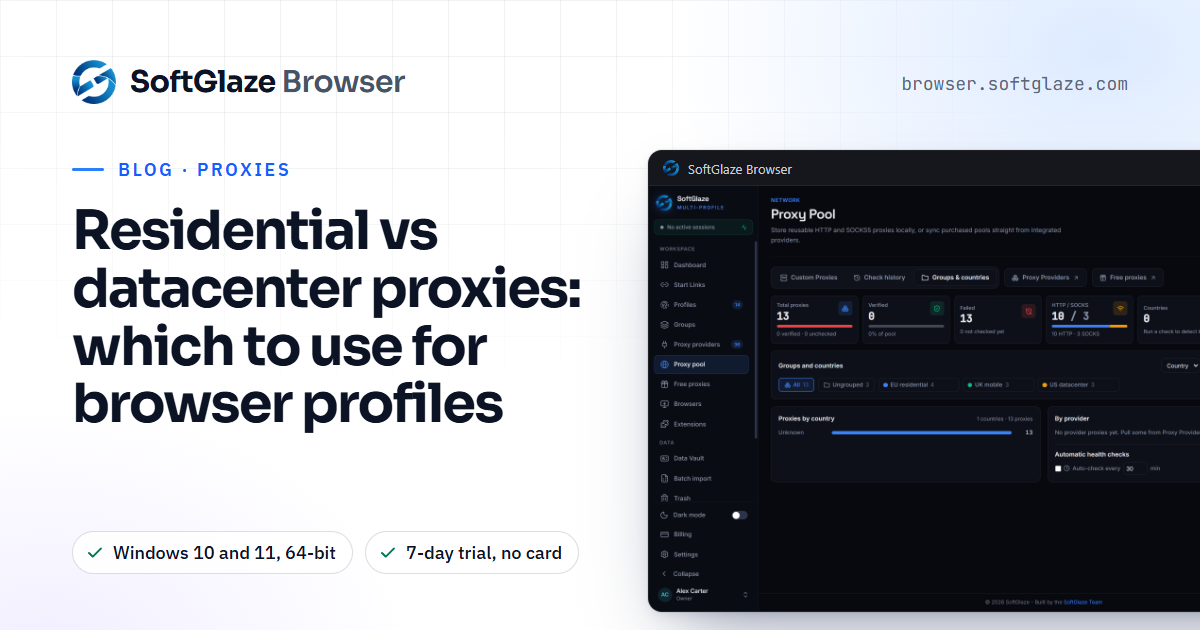
Residential vs datacenter proxies: which to use for browser profiles
Datacenter proxies are fast and cheap but easy to recognise as hosting. Residential proxies look like ordinary home connections but cost more and must be sourced with consent. Here is how the four proxy types differ, how sites tell them apart, and which one fits each kind of profile.
WebRTC leaks: what they are, how to test for one, and how to stop it
A WebRTC leak lets a website see your real IP address even though your pages load through a proxy or VPN. Here is why it happens, a two-minute test, the ways to stop it, and what each WebRTC setting in a SoftGlaze profile actually does.