


Fingerprint management
Device identity per profile in four groups, six Chromium brand presets, and a Leak Check that scores a profile out of 100. In the app: Profiles, Fingerprint tab.
Features
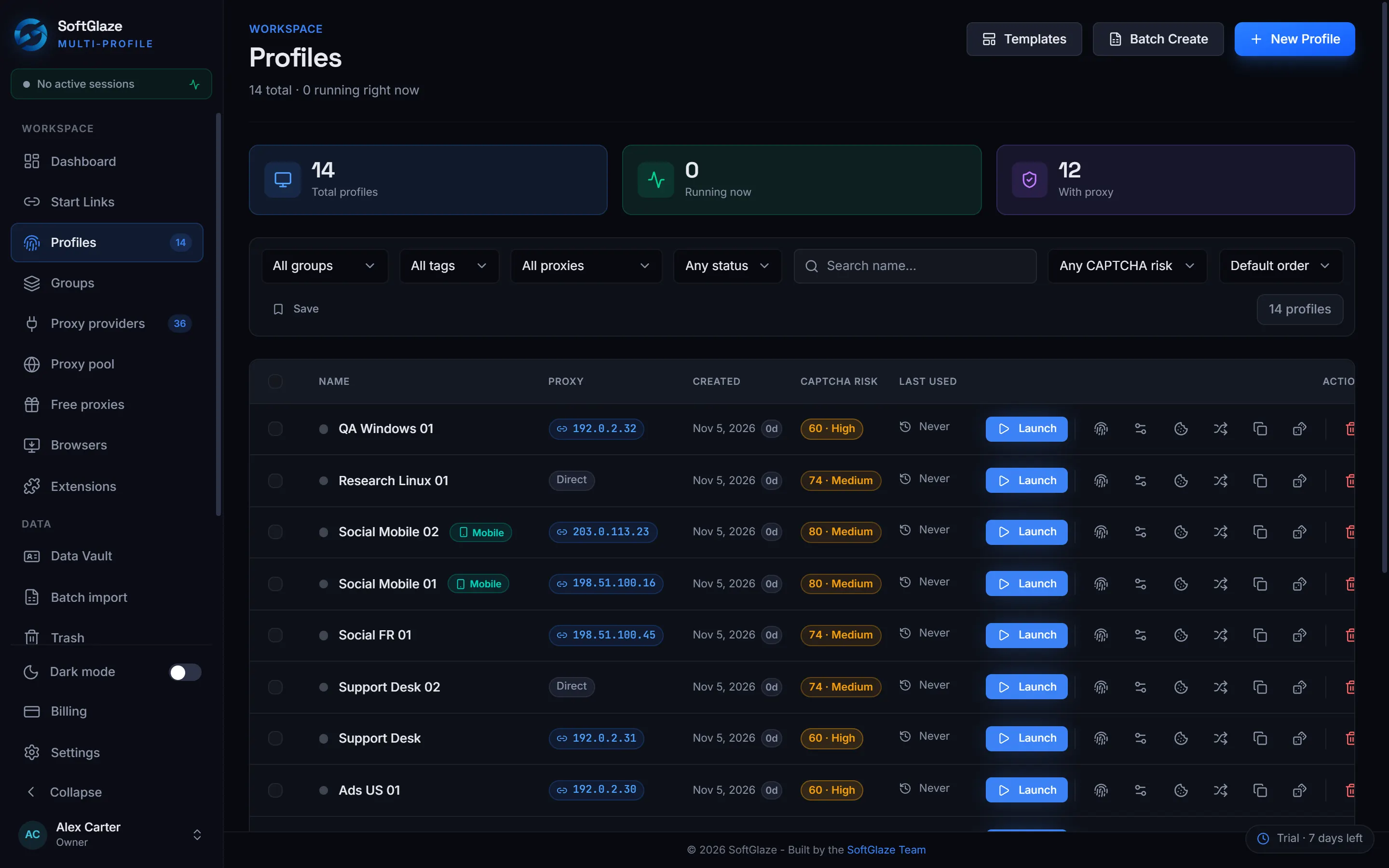
Everything SoftGlaze Browser does starts from that. Each profile opens as its own browser with its own data folder, its own generated device details and its own proxy, so the accounts you keep in different profiles don’t share any of them. The pages below cover how profiles are made, checked, shared and automated, including what each feature can’t do.
Windows 10 and 11, 64-bit.7-day trial, no card needed.
Profile A
Profile B
Profile C
Profiles, proxies and settings are stored in a database on your computer. Only your account and licence are kept on our server.
Device identity per profile in four groups, six Chromium brand presets, and a Leak Check that scores a profile out of 100. In the app: Profiles, Fingerprint tab.
HTTP and SOCKS5 proxies tested and graded A to F, four rotation policies, and connectors for 36 providers you already pay. In the app: Proxy pool, Proxy providers.
xlsx, .xls and .csv files with a 37-column template, a preview before anything is saved, and Quick Generate for up to 500 profiles. In the app: Batch import.
Four roles with limits, profiles shared to use or edit, credentials masked below Manager, and an activity log you export as CSV or JSON on Enterprise. In the app: Members.
A recorder, 13 step types, runs across up to 10 profiles (3 on Pro) with spreadsheet values, timed runs and a local API. In the app: Automation; Settings, Developer API Access.
A local MCP server with 40 tools, so Claude, Cursor, Codex and other AI apps can check profiles and proxies, start profiles, run macros and work inside pages, with every change approved in the app. In the app: SoftGlaze AI.
Where your data lives, what is encrypted and what isn’t, and every outside service the app contacts.
The app’s own screens with simulated data, in your browser.
WebRTC, timezone, location, language, display language, screen resolution and fonts. Timezone, location and language can follow the proxy’s IP.
Noise for Canvas, WebGL Image, AudioContext, ClientRects and SpeechVoices, plus media devices, WebGL metadata and WebGPU.
CPU cores and RAM, each Real or Custom.
Do Not Track (the browser’s own request, which sites may ignore), Port Scan Protection, hardware acceleration, TLS features and extra Chromium launch arguments.
| Row | Several accounts in one browser | One SoftGlaze profile per account |
|---|---|---|
| Cookies and storage | Shared, so sessions overwrite each other | A folder per profile |
| Device details | The same screen, GPU, cores and timezone in every tab | Generated per profile, checked with Leak Check |
| IP address | One address for every account | A proxy per profile, or a rotation pool |
| Handing an account to a colleague | Hand over the password | Share the profile; secrets masked below Manager |
| Repeating a task | By hand, account by account | A macro across up to 10 profiles at once (3 on Pro) |
It is a desktop app for Windows 10 and 11, 64-bit. A profile can report Android, as a Pixel 7, but that is a Windows computer underneath, and the editor says so.
Both are in testing and neither is published.
Profiles run on your computer. Cloud sync exists only if you point it at a server you run, and it is off by default.
Bring your own, or connect your account with one of 36 providers.
SoftGlaze has no AI model and no AI service. SoftGlaze AI (Beta) lets an AI app you already use, such as Claude or Cursor, work with your profiles, and every change waits for your approval.
The app keeps profiles separate and tells you when a profile contradicts itself. Whether a platform accepts it is that platform’s decision.
Missing something? Request a feature. The same page lists every feature the app already has, so you can check first.
One business day, Monday to Friday for a first reply.
In SoftGlaze, a profile is a browser of its own: a data folder for its cookies and storage, a generated fingerprint and a proxy. Two profiles open side by side behave like two separate browsers, each with its own logins.
Yes. Each profile has its own data folder, fingerprint settings and proxy, and nothing is shared between them. Leak Check tests a profile for contradictions before you rely on it.
The workspace owner has no profile limit on the trial, on SoftGlaze Browser Pro or on SoftGlaze Browser Enterprise. Members have per-role limits you can change: by default 200 for an Admin, 50 for a Manager and 10 for an Operator.
Yes, from .xlsx, .xls or .csv, up to 5,000 rows per file, with a preview before anything is saved. Quick Generate makes up to 500 without a sheet.
While a profile is open it is locked to the member who opened it, so a colleague can’t start the same account in a second window by accident. The Profiles list shows who has it.
The 7-day trial has every feature on this page. When you want to keep it, SoftGlaze Browser Pro is $5 a month per workspace and SoftGlaze Browser Enterprise is $29.
No card needed for the trial.