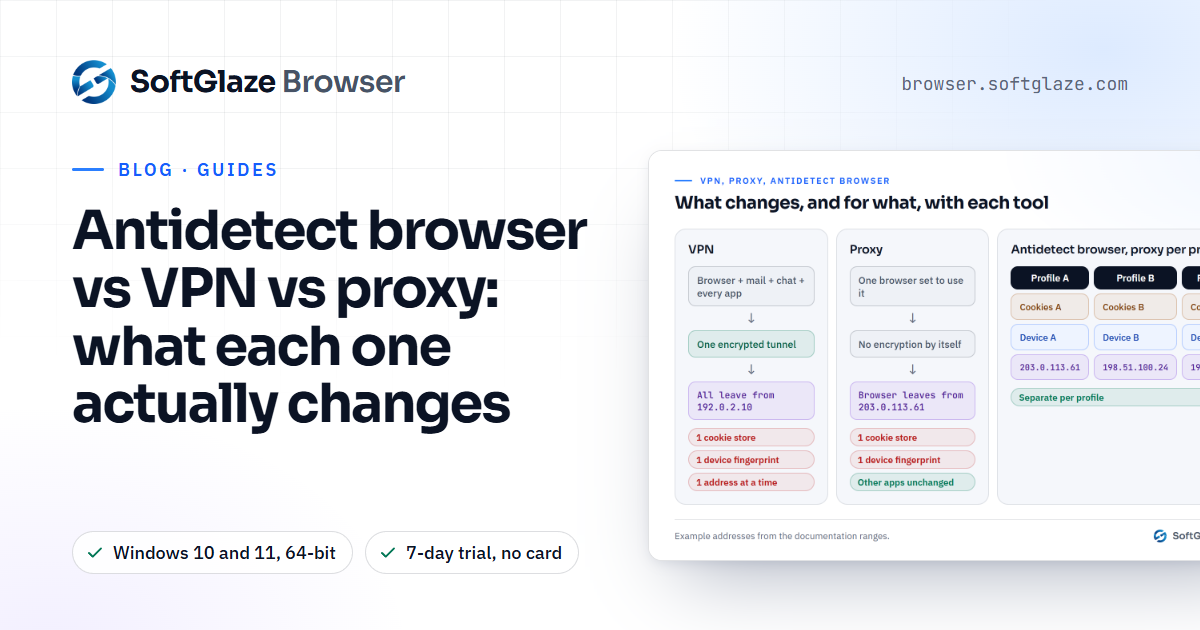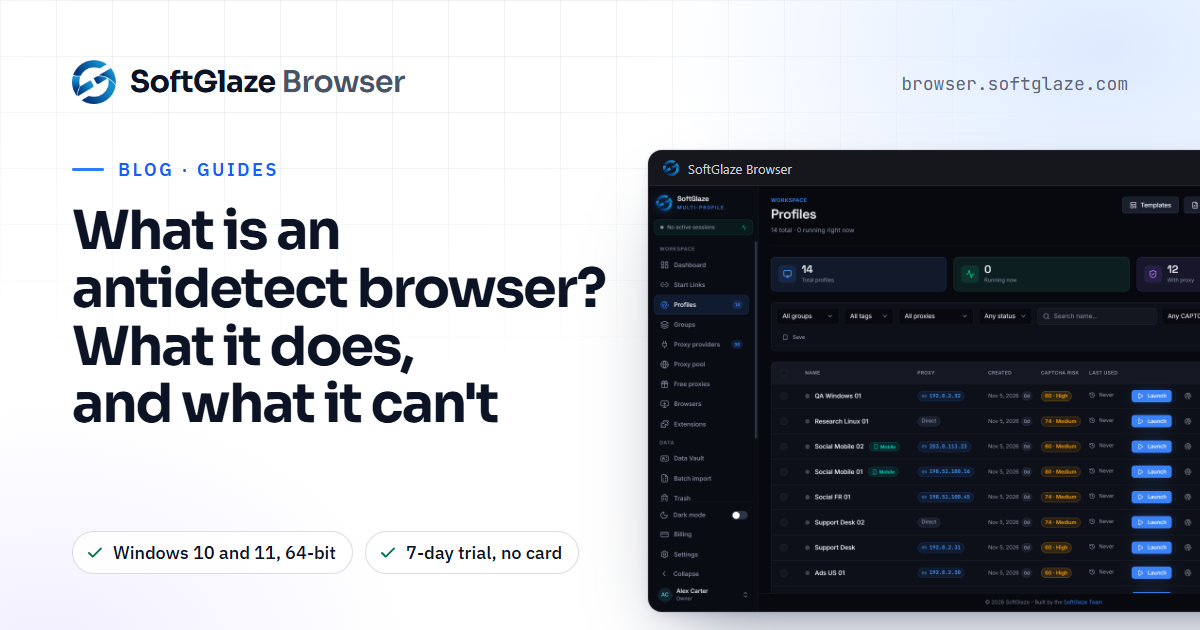
An antidetect browser is a browser that runs many separate profiles side by side, where each profile has three things of its own: its own cookies and site storage, its own set of device values (the "fingerprint" a website can read), and its own network route, usually a proxy. You will also see it called an anti-detect browser or a multi-profile browser.
The name oversells it. What a good one actually does is keep accounts apart and keep each profile's details consistent with each other. It does not make anyone invisible, and it does not change the rules of the sites you use. This guide explains how it works, what it is for, and where its limits are.
Why one normal browser ties your accounts together
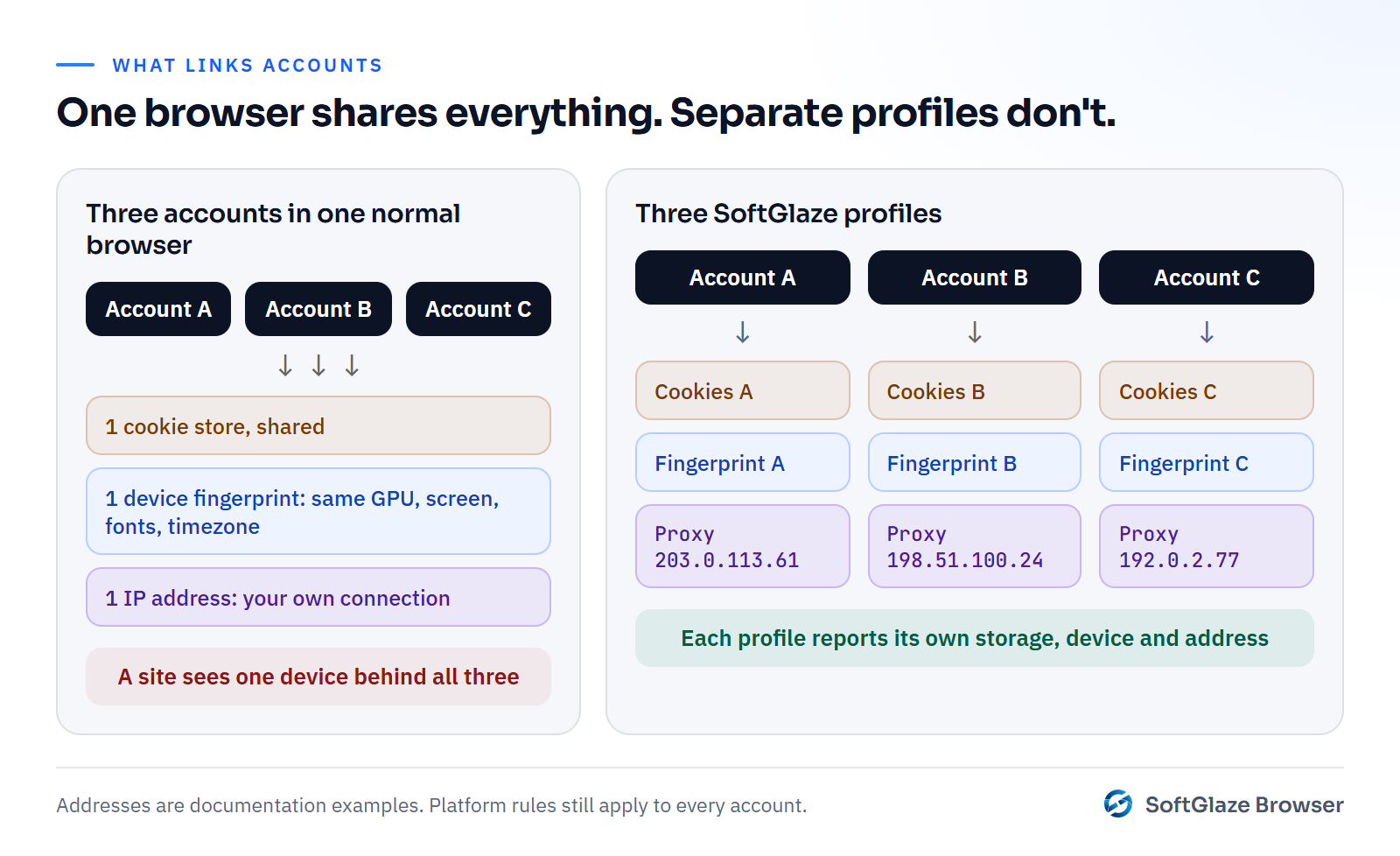
Open two accounts on the same site in one ordinary browser and three things connect them, even if you log out in between:
- Storage. Cookies, local storage and cached data belong to the browser profile, so every account you sign in to leaves traces in the same place.
- The device fingerprint. A site can read dozens of values without any cookie: the operating system, the browser version, the screen size, the GPU, the number of CPU cores, the timezone, the language, the installed fonts and the result of drawing tests. In one browser every tab reports the same set.
- The IP address. Every tab leaves through the same internet connection, so every account arrives from the same address.
Incognito windows only deal with the first point, and only until the window closes. The fingerprint and the IP address stay exactly the same.
What an antidetect browser changes, profile by profile
Each profile is a separate browser with its own data folder on disk. Signing in to an account in one profile leaves nothing in the others.
Each profile also reports its own device. In SoftGlaze Browser, a new profile arrives with values already generated: a GPU string, a screen size, a CPU core count and so on. When the app generates a core count, it skips the number your own computer has, so no profile repeats it. New profiles report your computer's own operating system by default, because fonts and rendering still come from the real machine.
Finally, each profile can have its own proxy, so its traffic leaves from a different address. When a proxied profile launches, SoftGlaze looks up where the proxy exits and sets the profile's timezone, language and WebRTC address to match, so a German exit doesn't arrive with a clock set to your own city. You can read more about that in how to test your browser fingerprint.
How it works under the hood
Most antidetect browsers are built on a real browser engine, usually Chromium. The app launches that engine with a separate data directory per profile, then applies the profile's settings at launch: the proxy, the language, the timezone and the device values it should report.
The hard part is not changing a value. It is keeping every value consistent with every other one. A profile that claims to be Chrome 147 should actually run a Chrome 147 build. A profile whose IP is in Paris should not report a New York timezone. SoftGlaze keeps the reported Chrome version in line with the build that launches, and when a profile presents as Edge, Brave or another Chromium brand, the TLS fingerprint stays that of the real Chrome underneath rather than pretending to be something it isn't.

What it is for
Separate profiles are useful wherever one browser holding one session at a time gets in the way of legitimate work:
- Agencies and freelancers keeping each client's accounts in a separate profile, with the client's credentials staying with the client. See browser profiles for agencies.
- Teams handing over access to a colleague who should be able to use an account without seeing its password.
- Sellers and marketers running several of their own accounts on platforms that allow it.
- Testing your own site or ads from another country, device type or browser.
- Research and quality assurance that needs a clean, repeatable browser environment.
What it can't do
No honest vendor can promise that a site won't recognise a profile, rate-limit it or close an account. Sites look at far more than a fingerprint: how you behave, the payment details on the account, the phone number, the email, and the history of the account itself.
A fingerprint setting also cannot change what the computer underneath really is. If a profile claims macOS on a Windows machine, host fonts, canvas rendering and the real TLS and JavaScript engine behaviour still say Windows. SoftGlaze's profile editor warns you when a profile claims an operating system the computer isn't running, for exactly this reason.
And the rules of the platforms you use still apply. Separate profiles make several accounts possible, not permitted. If a platform allows one account per person, a different fingerprint doesn't change that.
What it must not be used for
Fraud, fake accounts, evading a ban or a suspension, spam, and creating accounts to sell are not acceptable uses of SoftGlaze, and a licence used for them is ended. The acceptable use policy spells out the line in detail.
Is an antidetect browser legal?
We can't give legal advice, and the answer depends on where you are and what you do. The tool itself does something ordinary: Chrome and Firefox both ship with built-in ways to keep separate profiles. What matters is the use. Running your own accounts where a platform allows it, or client accounts with the client's permission, is a normal business activity. Using any browser to deceive a platform, a payment provider or a person is not, whatever software is involved. If you are unsure, read the terms of the platform you work on and ask a lawyer where you live.
How to judge one before you trust it with accounts
Whichever product you look at, these questions sort the careful ones from the rest:
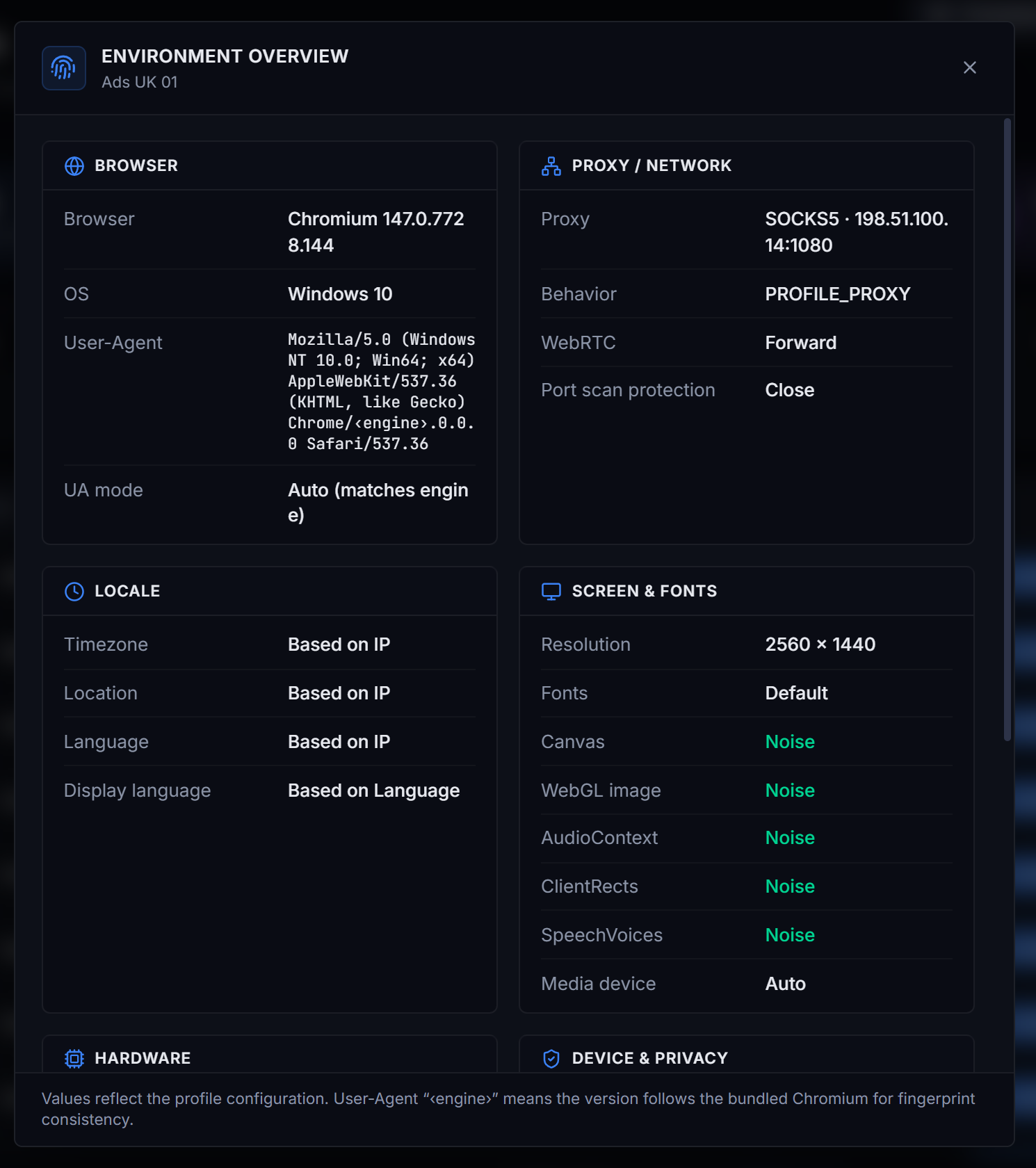
- Can you see what each profile reports? You should be able to read the exact user agent, timezone, language, screen and GPU a profile will show before you launch it.
- Does it test itself? A built-in check that looks for contradictions, such as a timezone that doesn't match the proxy, saves you guessing.
- Where does your data live? Some tools keep profiles on their servers, others on your computer. Neither is wrong, but you should know which.
- Does it tell you its limits? If a product claims to be undetectable, treat everything else it says with the same scepticism.
- Does it check proxies before use? A dead or blocklisted proxy causes more trouble than any fingerprint setting.
Where SoftGlaze Browser fits
SoftGlaze Browser is a multi-profile browser for teams on Windows 10 and 11 (64-bit). Profiles, cookies and team members live in a database on your own computer, and the app sends no telemetry. Each profile can be checked with Leak Check, which scores its configuration out of 100, before it touches an account. The fingerprint management page lists every setting, including the ones that can give a profile away. Its profiles can also be run by AI apps such as Claude or Cursor through an MCP server built into the app, with your approval for changes: see antidetect browser with MCP.
Plans, as of November 2026: a 7-day trial with no card, then Pro at $5 a month or Enterprise at $29 a month per workspace, bought by invoice for now. If you are comparing tools, the comparison pages put SoftGlaze next to GoLogin, Multilogin, Dolphin{anty} and Incogniton, read off their own pages and dated.
If you are still deciding whether you need this kind of tool at all, Chrome profiles vs Firefox containers vs an antidetect browser and antidetect browser vs VPN vs proxy cover the simpler options first.
Questions people ask
Is an antidetect browser the same as incognito mode?
No. Incognito keeps a temporary cookie store and throws it away when you close the window. It doesn't change the device values a site can read or your IP address, and it can only hold one private session per browser.
Do I need a proxy as well?
If you want each profile to arrive from a different address, yes. Without a proxy, every profile shares your own internet connection. SoftGlaze doesn't include proxies; you add your own or connect a provider account.
Can a site still link two profiles?
It can. Shared payment details, phone numbers, recovery emails, identical behaviour or logging in to both accounts from the same profile all connect accounts, whatever the fingerprint says.
Does SoftGlaze run on a Mac?
Not yet. The app runs on Windows 10 and 11, 64-bit. A profile can report macOS, but it is still a Windows machine underneath, and the editor warns you about that.
Click through the real app screens with sample data in your own browser. No download.